 Name That Photo™
Powered by LeighCore LLC
Name That Photo™
For field inspectors, adjusters, contractors, and anyone who documents property damage for a living — Name That Photo eliminates the desk work. Snap the photo, say the label out loud, and the file builds itself while you are still on the property.
No AI guesswork. No desk work. Label every photo while you're still on site — your report is done before you leave.

Take your inspection photo as you normally would — roof, elevations, interior rooms, damage details. Nothing changes about how you shoot. Use the voice shutter to capture hands-free while working on a ladder or in a crawl space.

The mic activates the moment you take a photo. Say the name — "Kitchen water damage to lower cabinets," "Attic damaged truss" — and it's captured and saved. No typing. No stopping.
Drag and drop the named photos straight into your CRM or claim software, or build a branded PDF report from your phone — cover page, logo, categories, damage narrative, and supporting documents — all before you leave the driveway.
Works seamlessly on your phone on-site, and on your desktop when you're back at the office.
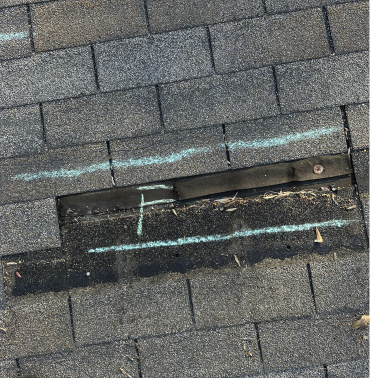
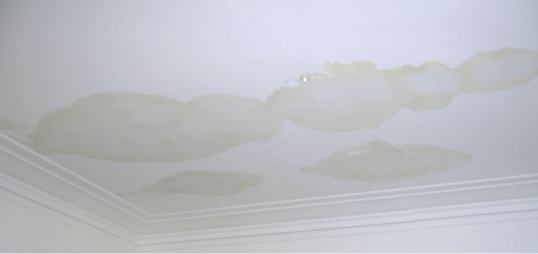
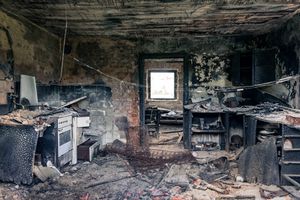
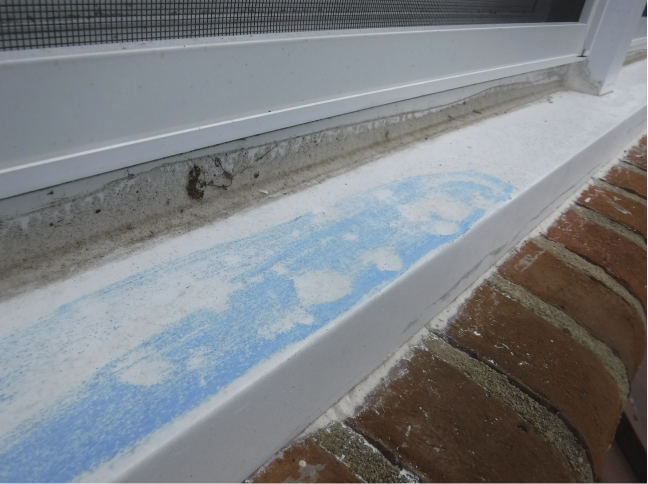
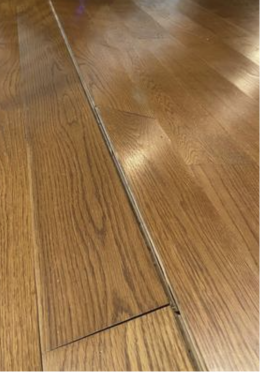
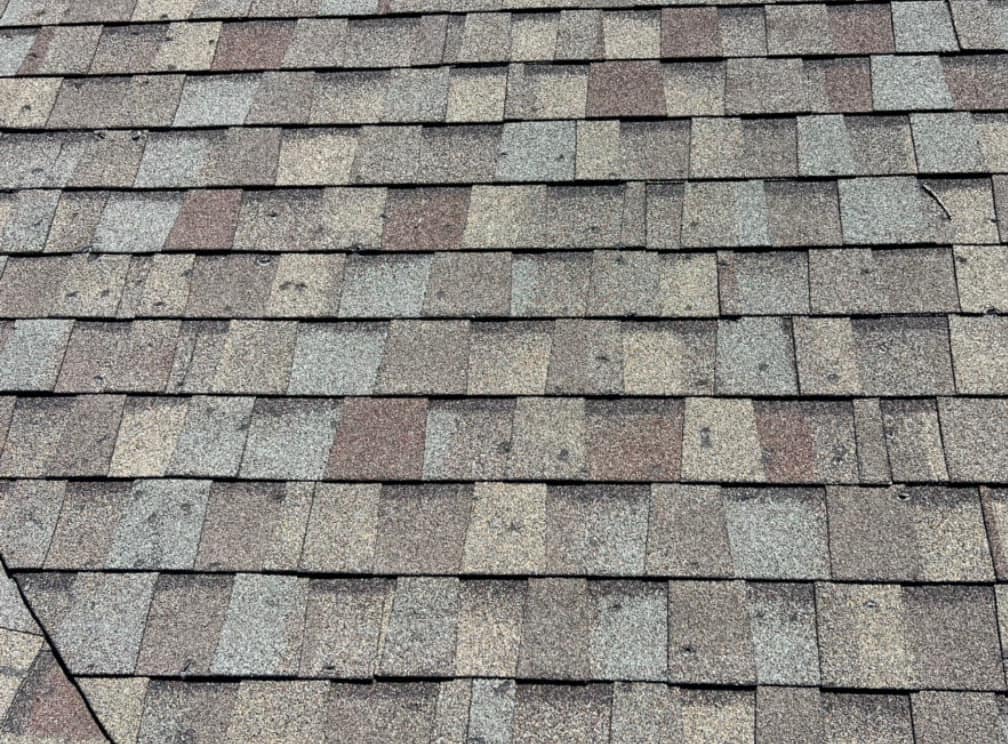
Your mic activates the moment you take a photo. Speak the label naturally — no typing, no stops. Enable the voice shutter and you can photograph and name damage simultaneously without touching your phone, whether you're on a roof or in a crawl space.
No special hardware. No app store install required. Name That Photo runs in your existing browser on iPhone, Android, or desktop — the same device you already carry to every job. An iOS app is coming to the App Store soon.
Build a branded PDF from your phone — cover page with your logo, photos grouped by category, a damage narrative, and supporting documents attached. Or export a ZIP of labeled photos for any CRM, estimating platform, or supplement file.
Voice naming is the starting point. This is what carries the rest of the job — measuring a roof slope, marking up a carrier's estimate, documenting a multi-building commercial property, and keeping a whole crew working from the same file.
Photos sort into categories and subcategories — roof slopes, damage types, interior rooms — and into buildings within a project. Drag to reorder, search by label, or bulk-recategorize at any time.
Choose a cover photo, write a damage narrative, group photos by building and category, remove prior losses, and attach supporting documents. Finished PDF leaves your phone the same day.
Annotate damage directly on the photo, on site. Turn the compass on and every shot is stamped with the direction you were facing, so an elevation is never a question you answer from memory later.
Lay the phone against the slope and read the pitch off the screen in x/12 and degrees. Take the photo from the gauge itself and the reading is captured with it — the measurement and the picture it came from stay together.
Record video alongside the photos in the same project. Rotate a clip without re-encoding it, and pull any frame out of a video as a named, report-ready photo.
Open an estimate and drop numbered pins on the line items you dispute. Type or dictate a note against each one, highlight and box and arrow directly on the page, then save a reviewed copy with every note drawn in and an exceptions page listing them by page. The carrier's original is never modified, and the estimate is never flattened to an image — an estimator on the other end can still work with the document.
Photos go to NTP Cloud, Google Drive, Dropbox, or OneDrive — on a schedule, or all of them at once. Every project says which destinations actually hold it, and Verify Backup checks that the files are really there rather than only reported sent.
Share a real-time gallery with homeowners, carriers, or your office — they see every photo as you shoot it. Stream the inspection live with two-way audio and save the session recording directly to the project.
Scan a claim form or policy document and the app pulls the claim number and policyholder name automatically. Attach PDFs — estimates, CLUE reports, prior loss docs — directly to the project file.
Fill and sign a contract on the phone with the customer standing in front of you, then send the signed PDF before you leave the driveway.
Drag and drop photos from your computer into any project. Or scan a QR code on your desktop with your phone and send photos straight across — no cable, no email, no waiting for a sync. A transfer in progress shows on the desktop as it moves, so you know what is coming before it lands.
Invite field reps, adjusters, or inspectors to your company account. Shared cloud sync, company-wide project access, and centralized billing — so your whole team works from the same file, not separate silos.
Name That Photo includes a neighborhood lead tool built directly into the inspection workflow — no separate CRM required to get started.
Available on the web app. Not currently included in the iOS app.
Neighborhood Lead Map
Screenshot Coming Soon
No download required. Try Name That Photo on your next inspection.